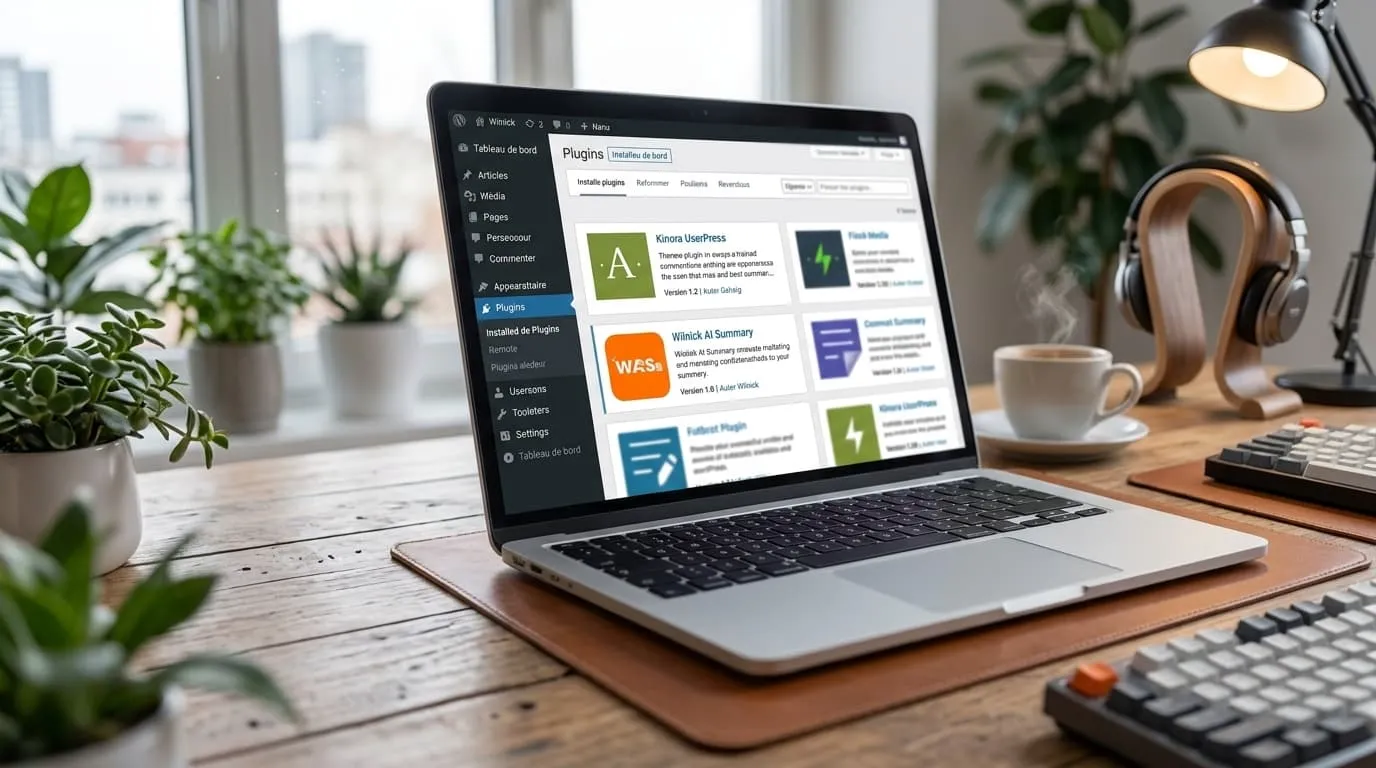
Article summary
Wilnick AI Summary is a free WordPress plugin that inserts an editor-written summary block and one-click AI buttons for ChatGPT, Claude, Perplexity, Gemini and Copilot. It requires no API key and is designed to improve AI search visibility, user engagement, and content extraction by AI tools.


Most WordPress Sites Are Invisible to AI Search
Traditional SEO is still important, but the way people discover content is changing fast. Search engines are becoming answer engines, and AI tools now summarize, rewrite, and cite pages instead of only sending traffic to them. If a page is not easy to understand, it is easy to ignore.
That is the problem Wilnick AI Summary was built to solve. It adds a clean summary block to every post, together with one-click buttons that let readers open popular AI tools with pre-filled prompts. The result is simple: your content becomes easier for humans to scan and easier for AI systems to extract.
Wilnick AI Summary WordPress Plugin — Free, No API Key
Wilnick AI Summary is built to make your articles instantly actionable for readers and AI tools. Instead of asking users to copy and paste content, the plugin adds a compact summary block to each post with pre-filled prompts and buttons that open popular AI assistants. The plugin does not use any third-party API keys. Buttons open the corresponding AI tool in a new tab with the article context or a concise prompt ready to use.
That matters because it removes friction. The reader does not need to copy a link, open another tab, or build a prompt from scratch. One click is enough.
AI Summary Block for SEO and AI Visibility
AI-driven search and answer engines favor content that is structured, concise, and easy to extract. The summary block provides a human-written, SEO-friendly synopsis that helps AI systems understand and cite your article. This increases the chance your content will be surfaced in AI-generated answers and featured snippets.
A strong summary can also help readers decide faster whether the page matches what they are looking for. That improves the user experience and can increase the chance that they continue reading instead of leaving immediately.
- Structured summary: short, clear, and keyword-focused.
- Pre-filled prompts: improve the quality of AI responses and reduce friction for users.
- Visible placement: summary is prominent for both readers and crawlers.
What the Plugin Includes
The plugin is designed around a simple experience: give the reader a useful summary, then let them continue exploring the same content through AI tools.
Each AI button can act as a shortcut for readers who want to translate, simplify, expand, or reframe the article. That keeps the content experience centered on your site instead of sending users away to search manually.
Multilingual Summary Block Compatible with Polylang and WPML
Wilnick AI Summary supports multiple languages and integrates with popular translation plugins. Each translated post can include its own editor-written summary so AI tools receive the correct language context. This improves international AI visibility and ensures accurate, language-specific prompts.
That is especially useful if your site publishes in more than one language. A good summary in the right language is much more useful than a generic block copied across every version of the article.
How It Improves Engagement, Time on Page, and Core SEO Metrics
Adding an actionable summary block changes how readers interact with content. Instead of leaving to search for clarifications, users can ask an AI to expand, simplify, or translate the article. This reduces bounce rate and increases time on page while providing measurable engagement signals to search engines.
It also gives your content a second life. A post is no longer only a page to read once. It becomes a starting point for follow-up exploration through AI tools, which makes the article feel more useful and more memorable.
- Higher engagement: readers use AI buttons to explore content further.
- Lower bounce rate: users stay to interact with the article and AI tools.
- Better AI citations: structured summaries make it easier for AI systems to extract and cite your content.
Why This Matters for the Future of SEO
Search is moving toward direct answers. That means content has to be organized in a way that helps machines understand it quickly. A clear title is not enough. A page also needs context, structure, and a summary that tells the story in a few lines.
Wilnick AI Summary helps bridge that gap. It gives your article a human summary and a machine-friendly structure at the same time. That is why the plugin is useful not only for readers, but also for the next generation of search and discovery.
Customization, Performance, and Best Practices
The plugin is lightweight and customizable. Editors can write or edit the summary, choose which AI buttons to display, and control placement. For best results follow these recommendations:
- Write a concise summary: 40 to 80 words focusing on the article’s main points and target keywords.
- Keep the wording clear: avoid filler and make the summary easy for humans to scan.
- Use structured data: keep the FAQ and SoftwareApplication schema up to date for rich results.
- Optimize images: add descriptive alt text and use lazy loading to preserve Core Web Vitals.
- Internal linking: add contextual internal links to related posts to strengthen topical authority.
If you plan to add images inside the article, use visuals that show the plugin in action: a summary block on a post, the settings page, the editor field, and the front-end result. Those visuals can improve trust and make the page easier to understand at a glance.
Real Use Case
Imagine a reader lands on a long tutorial. Instead of scrolling away, they click “Summarize with ChatGPT.” The AI opens with a pre-filled prompt that includes the article title and summary. The reader receives a concise explanation or a step-by-step checklist and returns to the article to follow the instructions. This keeps your content central to the user experience.
That use case matters because it matches how people actually read long content today. Some readers want a quick overview. Others want a deeper explanation. The plugin gives both without forcing a new workflow.
Security and Privacy
The plugin does not send content to third-party APIs on your server. Buttons open external AI tools in a new tab. Site owners should review each AI provider’s privacy policy before encouraging users to send content to those services.
That setup keeps the plugin simple. It is not trying to become an AI backend. It is a front-end bridge that helps the reader move from your article to the AI tool of their choice.
FAQ
Is Wilnick AI Summary really free?
Yes, the plugin is completely free with no hidden costs.
Do I need an API key?
No, the plugin opens AI tools directly without requiring an API key.
Which AI tools are supported?
ChatGPT, Claude, Perplexity, Gemini and Copilot are supported by default. You can enable or disable buttons in the plugin settings.
Can I customize the summary and button placement?
Yes, editors can write the summary and choose placement and which buttons appear on each post.
Is it compatible with multilingual websites?
Yes, it works with Polylang and WPML so you can keep different summaries for different languages.
What happens if no summary is added?
The block simply does not appear on that post until a summary is entered in the editor.
⬇ Download Wilnick AI Summary Plugin